Welcome to Colin and Toby's term of sketching.
The page has some useful resources/guides for getting the most out of your term of sketching.
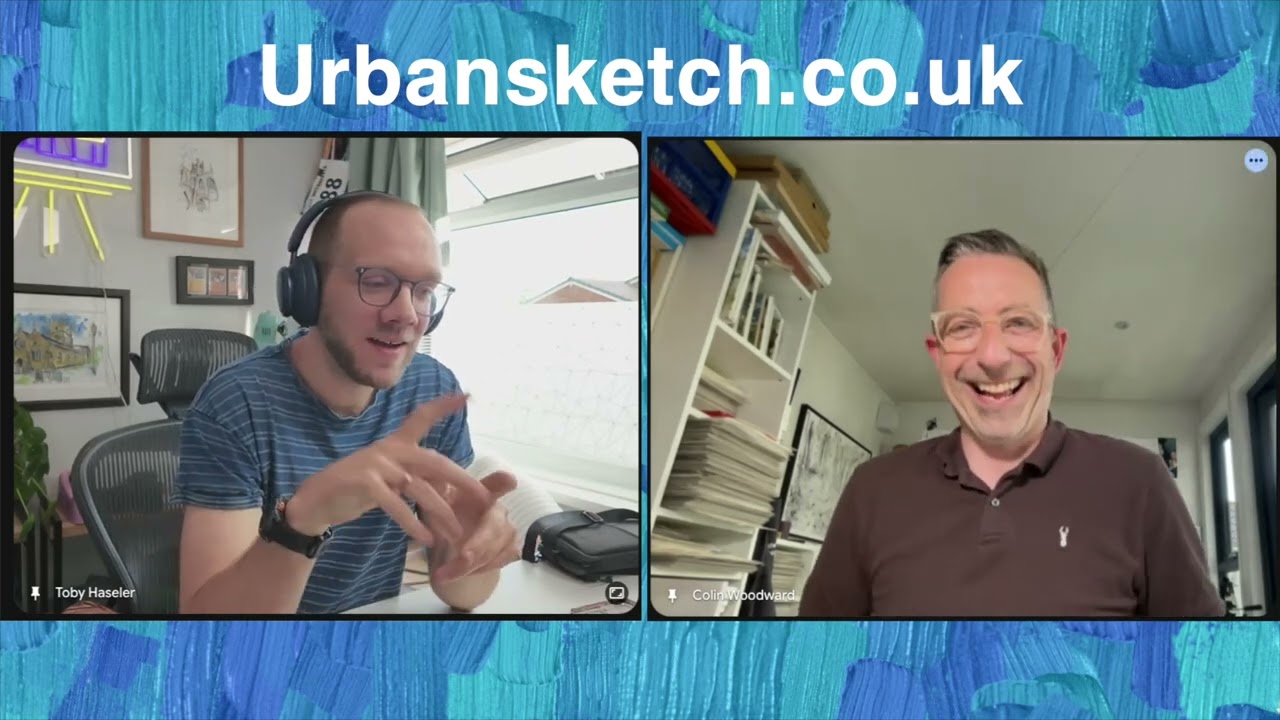
How do we meet?
At least one week before the first meet up of the term you will be sent an email with a link to our dedicated WhatsApp group. If you haven't received this email, then please check your spam folder - if you still can't find it pop me an email.
In the WhatsApp group we'll share:
1) References
2) Meeting links
3) General chat!
4) Feedback
We use Google Meets for the weekly video meet up because it has the highest bit-rate of any of the broadcasting/hosting softwares. This means that our sketching demonstrations come across in the best quality possible.
You don't need to download an app to use it.
Below will show you how to get the best out of the google-meet, using the 'pin' and 'spotlight' feature on phone, tablet or computer/laptop.
In the WhatsApp group we'll share:
1) References
2) Meeting links
3) General chat!
4) Feedback
We use Google Meets for the weekly video meet up because it has the highest bit-rate of any of the broadcasting/hosting softwares. This means that our sketching demonstrations come across in the best quality possible.
You don't need to download an app to use it.
Below will show you how to get the best out of the google-meet, using the 'pin' and 'spotlight' feature on phone, tablet or computer/laptop.
How to 'Spotlight' in Google Meets
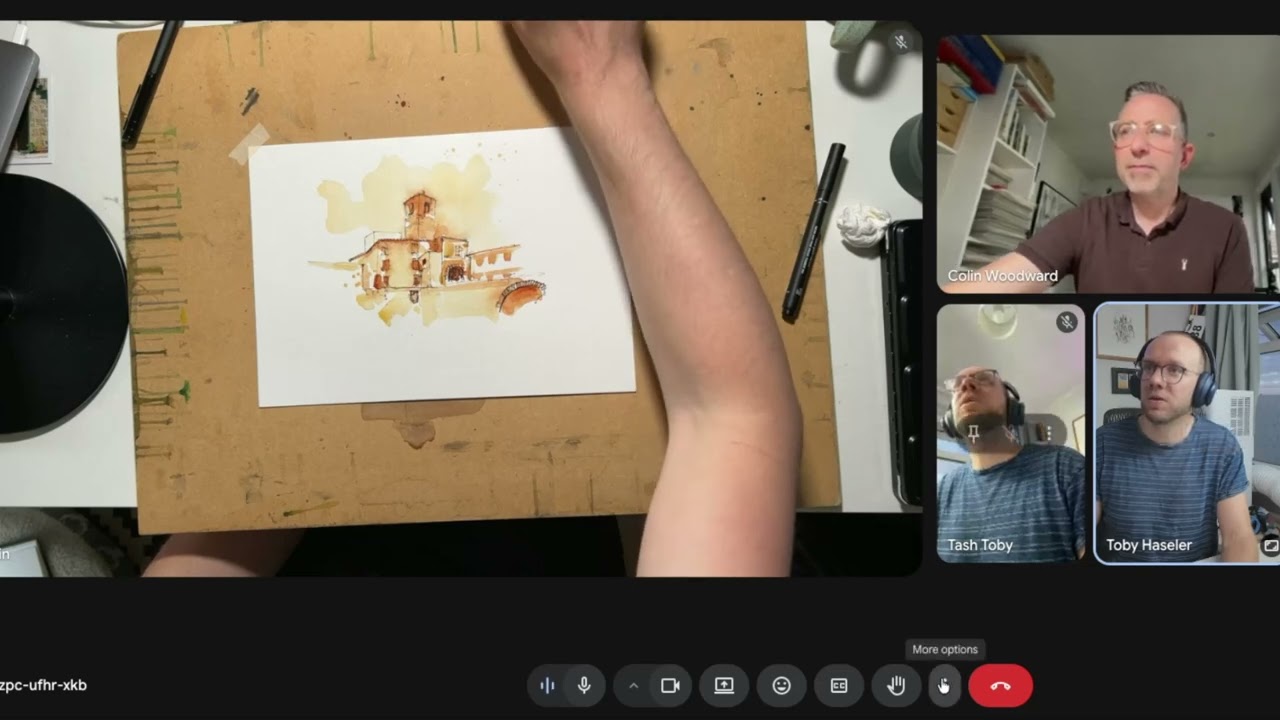
Here is another demo of how to 'Spotlight' on a computer
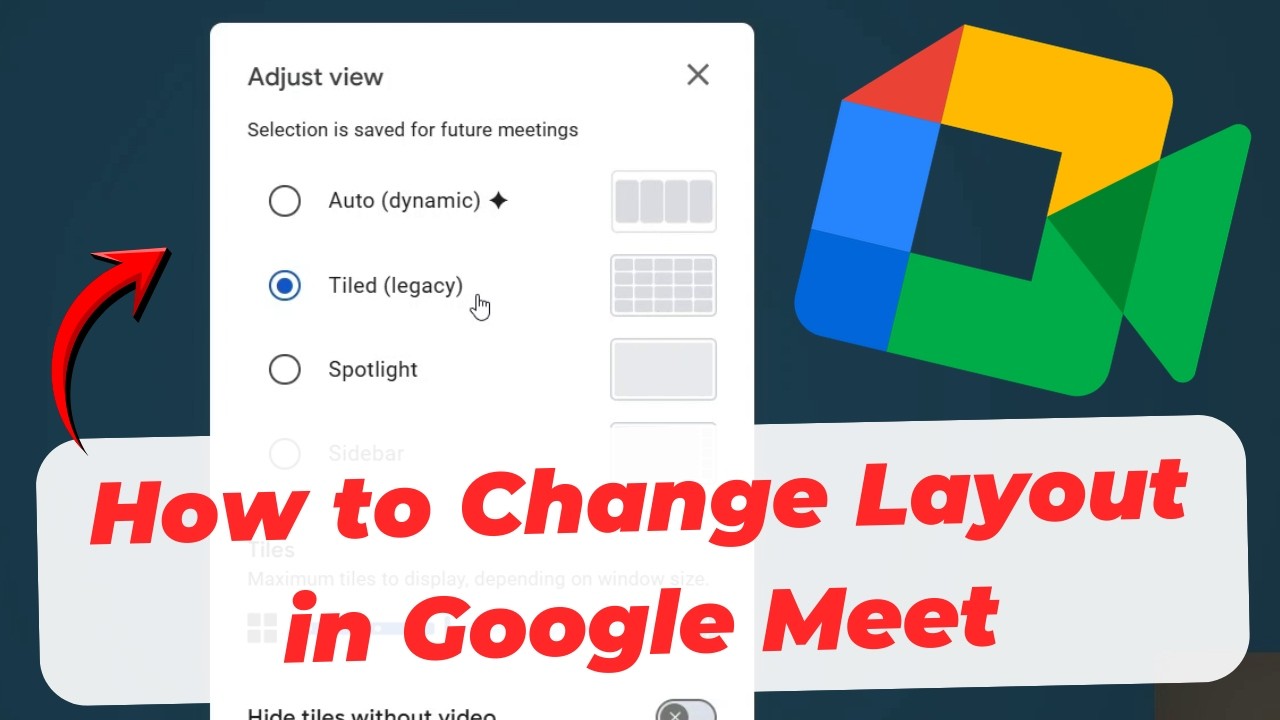
And another 'how to' for phones/tablets
The fastest way to pin someone is to simply double-tap their video tile on your screen.
Using the Video Menu (If they are already visible)
Using the People List (If you can't see them on screen)
Note: Pinning someone on your phone only changes your personal view; it does not spotlight them for the other people in the meeting. You can pin up to 3 people or presentations at the same time.
Using the Video Menu (If they are already visible)
- Tap the person's video tile.
- Tap the More options (three dots) icon at the bottom right of their tile.
- Select Pin.
- Then click the 'full screen' icon (see photo) in the lower right corner to fully enlarge them on your screen.
Using the People List (If you can't see them on screen)
- Tap anywhere on your screen to bring up the call controls.
- Tap the meeting name or ID at the top of the screen.
- Under the People tab, find the person you want to spotlight.
- Tap the More options (three dots) next to their name and select Pin.
- Then click the 'full screen' icon (see photo) in the lower right corner to fully enlarge them on your screen.
Note: Pinning someone on your phone only changes your personal view; it does not spotlight them for the other people in the meeting. You can pin up to 3 people or presentations at the same time.